
Buying a monetized YouTube channel may shorten the path to an established audience, but the buyer also inherits the channel’s content history, potential claims, traffic dependencies, reputation, and current access structure. A careful review is therefore more important than closing quickly.
This article is a practical preliminary checklist. It is not legal or financial advice, and it does not imply that YouTube endorses a particular transaction. Review the current platform rules, Google terms, and laws that apply to you before entering an agreement.
1. Define exactly what is being transferred
The phrase “channel transfer” can refer to several different assets. Put the scope in writing:
- The YouTube channel: URL, videos, playlists, subscribers, history, and settings.
- Brand Account control: the primary owner, owners, and managers.
- Content rights: source footage, scripts, narration, music, graphics, thumbnails, and licenses.
- Brand assets: logo, domain, social accounts, contact email, and promotional materials.
- Monetization: current YouTube Partner Program status and restrictions.
- AdSense for YouTube: a separate payment account that should not be confused with channel ownership.
A seller’s personal Google Account may contain Gmail, Drive files, photos, and payment details. Official role-based access is safer than exchanging passwords.
2. Verify the seller and their actual control
Screenshots do not prove that someone still controls a channel. Ask for a live screen share inside YouTube Studio and verify the exact channel URL, channel identifier, seller’s role, other users with access, and whether the channel is connected to a Brand Account.
- The seller has the role required to add an owner and transfer control.
- There are no unknown owners or managers.
- There is no unresolved dispute with a partner, creator, or former employee.
- The current setup can support the agreed ownership change.
3. Review YouTube Analytics, not just total revenue
Request analytics for at least 28, 90, and 365 days. For seasonal content, compare the same periods across multiple years.
Views and watch time
Look for consistent performance. A sharp spike may come from one viral video, advertising, or external traffic that will not repeat. If one upload produces most views, account for the risk of that video losing visibility.
Traffic sources
Compare YouTube Search, suggested videos, browse features, Shorts, external sites, and advertising. Unknown sources or unnatural spikes require a clear explanation.
Audience and revenue
Check geography, language, returning viewers, seasonality, RPM, and monetized playbacks. A large subscriber count does not necessarily mean an active audience. Historical metrics help with evaluation but do not guarantee future payments.
Ask how paid or incentivized traffic was acquired. Services that artificially boost views, likes, or subscribers can create invalid traffic and monetization risk.
4. Verify monetization and content quality
Open the Earn section in YouTube Studio, confirm the channel’s YouTube Partner Program status, and review monetization on individual videos. A large share of limited or ineligible videos can materially change the channel’s economics.
- Inauthentic or mass-produced content: repetitive template-based videos with little original value may be ineligible for monetization.
- Reused content: clips and compilations without substantial commentary, transformation, or educational value can affect the entire channel.
Permission from the original creator does not automatically resolve reused-content concerns because monetization policy and copyright are separate systems. YouTube reviews the channel as a whole. See the official channel monetization policies.
5. Separate claims, copyright strikes, and Community Guidelines strikes
- A Content ID claim is generally not a strike, but it may redirect revenue or restrict a video.
- A copyright strike follows removal based on a legal copyright request.
- A Community Guidelines strike concerns platform safety and content rules rather than copyright.
Three active copyright strikes within 90 days can put the channel and related channels at risk of termination. Deleting a video after a strike usually does not remove the strike. Review YouTube’s guides to copyright strikes and different strike systems.
Verify rights to key assets
Ask where the footage, music, images, graphics, narration, and thumbnails came from. If hosts, voice actors, or editors were involved, confirm that their work can continue to be used after ownership changes. Stock and music licenses are not always transferable.
6. Do not treat AdSense as part of the channel transfer
AdSense for YouTube is a separate payment account. Google’s terms do not permit transferring account ownership. The buyer needs a plan to associate their own eligible AdSense for YouTube account after obtaining channel control.
The linked account can be changed in YouTube Studio, but only once every 32 days. A new association or account approval may take time, so do not assume revenue will move instantly. See Google’s guides to setting up AdSense for YouTube and changing the linked account.
7. Assess value and downside risk
There is no universal valuation multiple. Consider revenue stability, traffic quality, topic, geography, seasonality, active audience, content rights, production costs, dependence on the previous creator, and existing restrictions.
Build base, optimistic, and downside scenarios. The downside case should include lower views, delayed payments, production costs, and the time required for the audience to accept a new publishing approach.
8. Record the agreement before payment
Document the exact channel, parties, included assets, monetization status, known claims and strikes, price, payment stages, ownership-transfer process, removal of old access, and what happens if the transfer cannot be completed. Seek local legal advice for a significant transaction.
Staged payment or an independent escrow provider may reduce risk, but neither replaces due diligence.
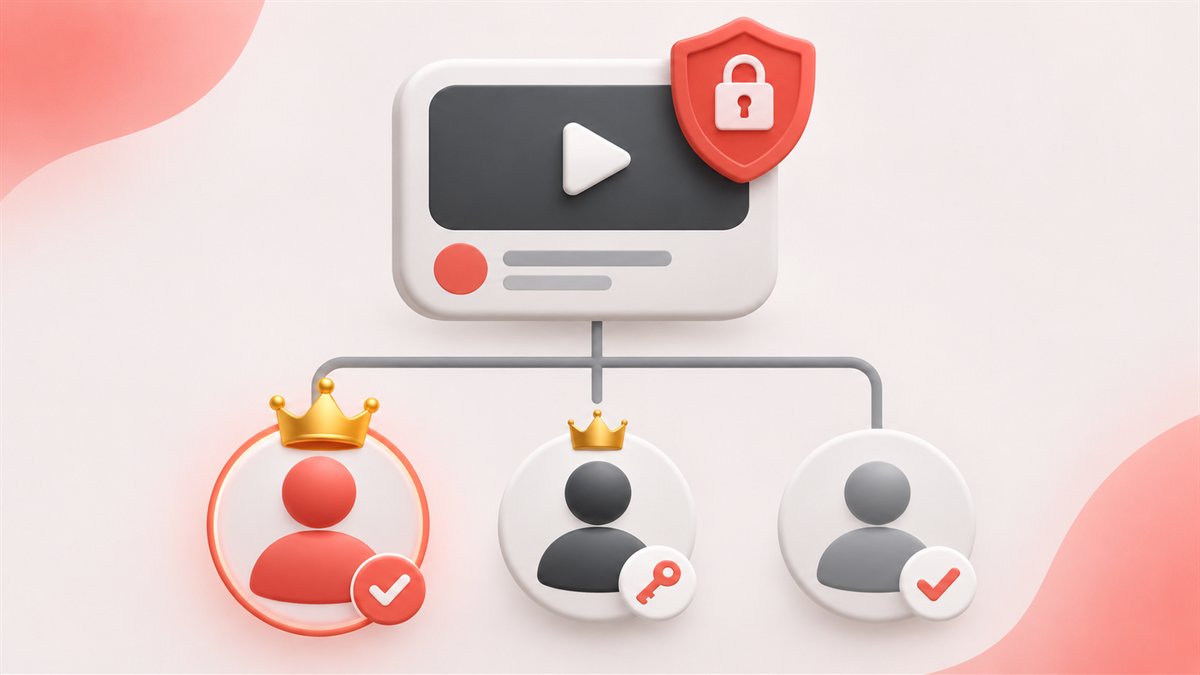
9. Transfer control through official roles
- The seller reviews the current owners and permissions.
- The buyer is invited through the official role system.
- The buyer accepts and verifies access to the correct channel.
- The parties wait for any required holding period.
- The buyer is made primary owner.
- Unneeded former access is removed after final verification.
For a Brand Account, an invited user must have been an owner for at least seven days before becoming primary owner. A manager cannot promote themselves. Follow the current official ownership instructions.
10. Secure the channel after the ownership change
- Review every owner, manager, and editor.
- Enable two-step verification on your Google Account.
- Review recovery contacts and third-party app access.
- Save records of the agreement and the channel’s condition.
- Confirm monetization and the AdSense association plan.
- Avoid changing the name, topic, language, design, and schedule all at once.
11. Warning signs
- The seller refuses to show YouTube Studio live.
- Full payment is demanded before the buyer receives any role.
- A password is offered instead of official permissions.
- The origin of videos, music, or thumbnails is unclear.
- Future revenue is presented as guaranteed.
- Traffic spikes or external sources are hidden.
- The seller proposes transferring AdSense ownership or creating a duplicate account.
12. Final pre-payment checklist
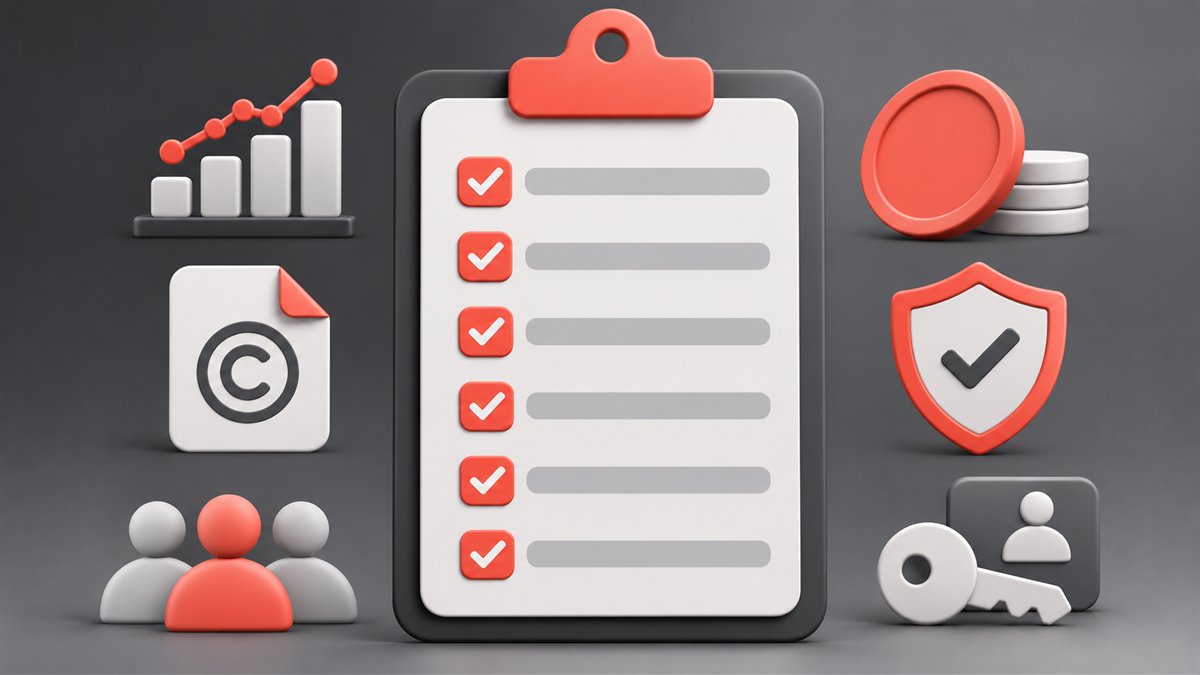
| Area | Evidence to confirm |
|---|---|
| Channel and owner | Correct URL, live Studio access, and the required ownership role |
| Analytics | 28-, 90-, and 365-day data with understandable traffic sources |
| Monetization | Current YPP status and no undisclosed restrictions |
| Rights and violations | Claims, strikes, and rights to use the content have been reviewed |
| AdSense | A plan exists to link the buyer’s own eligible account |
| Terms and security | Price, stages, roles, and access removal are documented |
13. Frequently asked questions
Do I need the seller’s password?
No. Use official roles so that neither party exposes unrelated personal Google services.
Can I become primary owner immediately?
For a Brand Account, a new user must have been an owner for at least seven days.
Does AdSense transfer with the channel?
No. AdSense ownership cannot be transferred; the buyer associates their own eligible account.
Does monetization guarantee future income?
No. Revenue depends on views, audience, advertising demand, policy compliance, and future content quality.
Is every Content ID claim dangerous?
A claim is not the same as a strike, but it may affect revenue or video availability. Review each case.
When should the previous owner be removed?
Only after the buyer is primary owner and has verified all functions, rights, and agreed transfer stages.
Conclusion
A safe YouTube channel acquisition is not a password exchange. It is a structured review of ownership, analytics, monetization, content rights, access roles, and payments. Do not rush because of an attractive price: document the terms, use official access mechanisms, and recheck the current YouTube rules immediately before transfer.