

Buying a monetized channel involves two separate concepts: owning the channel and receiving payments. Channel control is managed through Google Accounts, Brand Accounts, and YouTube roles. Finalized revenue is paid through a separate AdSense for YouTube account connected to a specific payee, identity verification, tax information, and payment details.
That is why “AdSense included” is a dangerous way to describe a deal. The buyer should not receive the seller’s payment-account password or replace the seller’s bank information. The correct sequence is to transfer channel control safely and then change the linked AdSense to the buyer’s own account. See our guide to transferring YouTube channel ownership through a Brand Account.
1. Channel, AdSense, and payments profile are separate
| Component | Purpose | What happens in a transaction |
|---|---|---|
| YouTube channel | Videos, audience, analytics, monetization, and settings | Control transfers through the proper roles |
| AdSense for YouTube | Receives finalized YouTube earnings | The buyer links their own account |
| Payments profile | Payee, address, tax details, currency, and payment method | Remains associated with its owner |
Google states that an AdSense account cannot be transferred to another individual. Adding an administrator or changing a bank account does not make the buyer the new owner of the payment account. See the official AdSense user-access FAQ.
2. What transfers and what remains with the seller
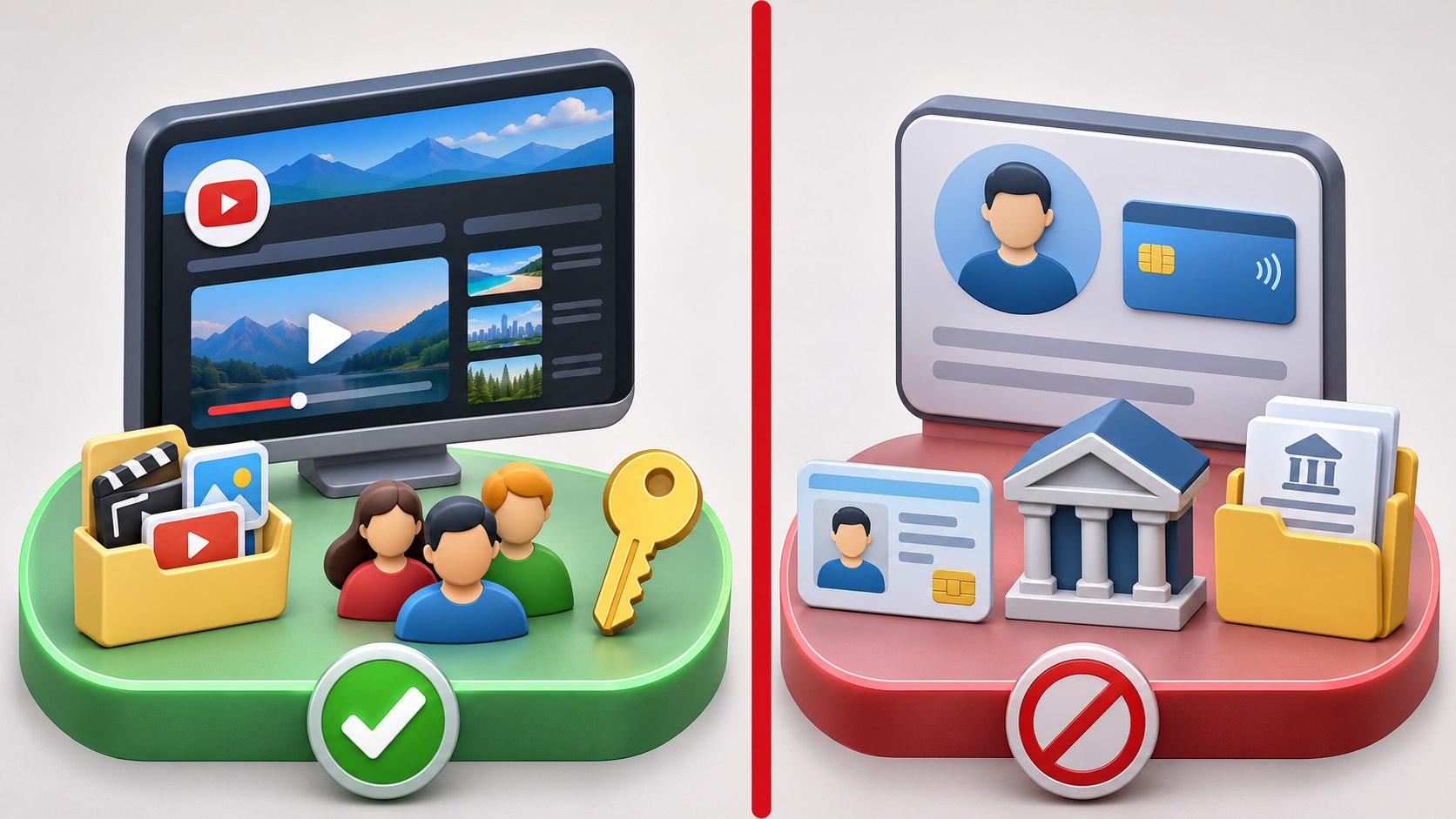
| May be part of the channel transfer | Should not transfer as part of the channel |
|---|---|
| Primary owner role in the Brand Account | The seller’s AdSense password |
| Videos, playlists, and channel history | The seller’s identity documents |
| Channel analytics and settings | The seller’s tax information |
| Agreed rights to source files and branding | The seller’s bank and payments profile |
| Team access the parties agree to retain | Historical payments in the old AdSense account |
3. Agree on payments before money changes hands
The parties should document:
- which AdSense account is currently linked;
- when the association was last changed;
- whether the buyer already has an approved account;
- the economic date from which future revenue belongs to the buyer;
- how the transition month will be reconciled;
- who receives already pending and finalized amounts in the old account;
- what happens if a new association or approval is delayed.
4. If the buyer already has AdSense
One approved AdSense for YouTube account can monetize multiple YouTube channels. A buyer who already has an active account should not create another one. During the association flow, sign in with the Google Account used to access the existing AdSense account. It may be different from the account used to sign in to YouTube Studio.
Before accepting, verify that the correct AdSense account appears and that the intended channel URL is displayed.
5. If the buyer does not have AdSense
Create AdSense for YouTube from the Earn section of YouTube Studio. Google specifically warns users not to create an account for this purpose from the AdSense homepage. A duplicate under the same payee name can be rejected, and monetization for the associated channel may be turned off until the issue is corrected.
Search old email accounts first in case an account already exists. Google allows only one AdSense or AdSense for YouTube account under the same payee name. Follow the official setup guide.
6. How to change the linked AdSense account
- Complete the agreed channel-transfer stage and verify the buyer’s rights.
- Open YouTube Studio for the correct channel.
- Select Earn.
- Find the linked AdSense for YouTube details under YPP options.
- Select the change option and re-authenticate.
- Choose the buyer’s existing account or begin creating a new one.
- Verify the email, account details, and channel URL.
- Accept the association and return to YouTube Studio.
- Confirm the final status and record the result.
Interface labels can change. Check the current official association-change instructions immediately before acting.
7. Timing and restrictions
| Situation | Google’s guidance |
|---|---|
| Changing the linked account again | No more than once every 32 days |
| Systems reflecting the new association | May take up to 24 hours |
| Linking an existing approved account | Usually takes a few minutes |
| Approving a new AdSense for YouTube account | Usually several days, sometimes 2–3 weeks |
Check the previous change date before payment. If the seller recently switched the association, the buyer may be unable to connect their own account immediately.
8. Pending and future payments
Changing the association does not move the old AdSense balance or payment history. Google explains that pending payments continue through the old AdSense account and are paid accordingly, while future payments are processed through the new account. Historical payment data from the old account will no longer appear to the buyer in the YouTube Studio app.
The agreement therefore needs an economic transition date. The AdSense change, primary-ownership transfer, and monthly earnings finalization may happen on different dates.
9. The monthly payment cycle
| Period | What happens |
|---|---|
| During the month | Estimated earnings accumulate in YouTube Analytics |
| 7th–12th of the following month | Prior-month earnings are finalized in AdSense for YouTube |
| By the 20th | The threshold must be reached and payment changes completed |
| 21st–26th | Google issues payment when there are no holds |
Thresholds vary by payment-account currency. A balance below the threshold rolls forward. Review the official AdSense for YouTube payment-process guide.
10. What the buyer must configure
- the correct payee name and contact address;
- identity verification;
- address verification when requested;
- tax information required by Google and the buyer’s jurisdiction;
- an available payment method after the relevant threshold;
- resolution of payment holds and account notices;
- two-step verification on the Google Account.
Do not copy the seller’s details. Payee, tax, and banking information should correspond to the buyer or the buyer’s proper legal entity. Obtain qualified local advice for tax questions.
11. A safe post-purchase sequence

- Review monetization, Analytics, and the current association before the deal.
- Document the economic revenue-transition date.
- Transfer channel rights through the Brand Account.
- Confirm the buyer as primary owner.
- Check the 32-day association restriction.
- Link the buyer’s existing account or create one through Studio.
- Wait for the association to become active.
- Complete identity, tax, address, and payment steps.
- Reconcile the transition month.
- Remove unnecessary old access only after final verification.
12. Common mistakes
- sharing the seller’s AdSense password;
- changing identity and bank details in the old account instead of relinking;
- creating a duplicate account from adsense.com;
- failing to check the 32-day restriction;
- treating estimated Analytics revenue as a finalized payment;
- not documenting who receives transition-month revenue;
- closing the old account before pending payments complete;
- assuming a primary-owner change automatically changes AdSense;
- using another person’s tax documents or payments profile.
13. Final checklist
| Step | Required result |
|---|---|
| Current association reviewed | Account and last-change date are known |
| Buyer’s AdSense prepared | Existing account or Studio creation plan |
| Duplicate ruled out | Old emails and accounts checked |
| Revenue split documented | Old, transition, and future amounts addressed |
| Channel ownership transferred | Buyer is primary owner |
| New association active | Status confirmed in YouTube Studio |
| Payment steps complete | Identity, address, tax, and method configured |
| Old access removed | Only after final verification |
14. Frequently asked questions
Can the seller’s AdSense be transferred to the buyer?
No. Google does not allow an AdSense account to be transferred to another person. The buyer connects their own account.
Will monetization disappear after the change?
An existing approved account is usually linked quickly, although systems may take up to 24 hours to reflect the association. A newly created account must complete approval and association before monetization begins.
Can one AdSense account serve several channels?
Yes. Google permits multiple YouTube channels to use one AdSense for YouTube account.
Where does the seller’s pending payment go?
Pending payments are processed through the old account. Future payments are processed through the newly linked account.
Does every acquired channel need a new AdSense account?
No. A buyer who already has an approved account should generally use it rather than create a duplicate.
Can the association be changed again tomorrow?
No. The linked account can be changed only once every 32 days.
Conclusion
A safe monetized-channel purchase does not involve transferring the seller’s personal AdSense account. Channel control moves through ownership roles; the buyer separately links their own AdSense for YouTube. Pending old payments remain with the previous account, and future payments run through the new one.
Check the 32-day restriction, avoid duplicate accounts, document transition revenue, and allow time for approval and verification. Before agreeing on the deal amount, use our practical YouTube channel valuation guide.