When one person manages a channel, the difference between a Google Account, a Brand Account, and YouTube Studio permissions may seem unimportant. It becomes critical when you need to add a team, change the owner, or hand control to another party. The wrong role will prevent the transfer, while an incorrect channel move can cause data loss or the deletion of another channel.
This guide explains the process without password sharing. Google and YouTube interfaces may change, so check current button names and restrictions against the official documentation immediately before taking action.
If you have not yet reviewed analytics, monetization, strikes, and content rights, start with our complete checklist for reviewing a YouTube channel before purchase.
1. What Is a Brand Account?
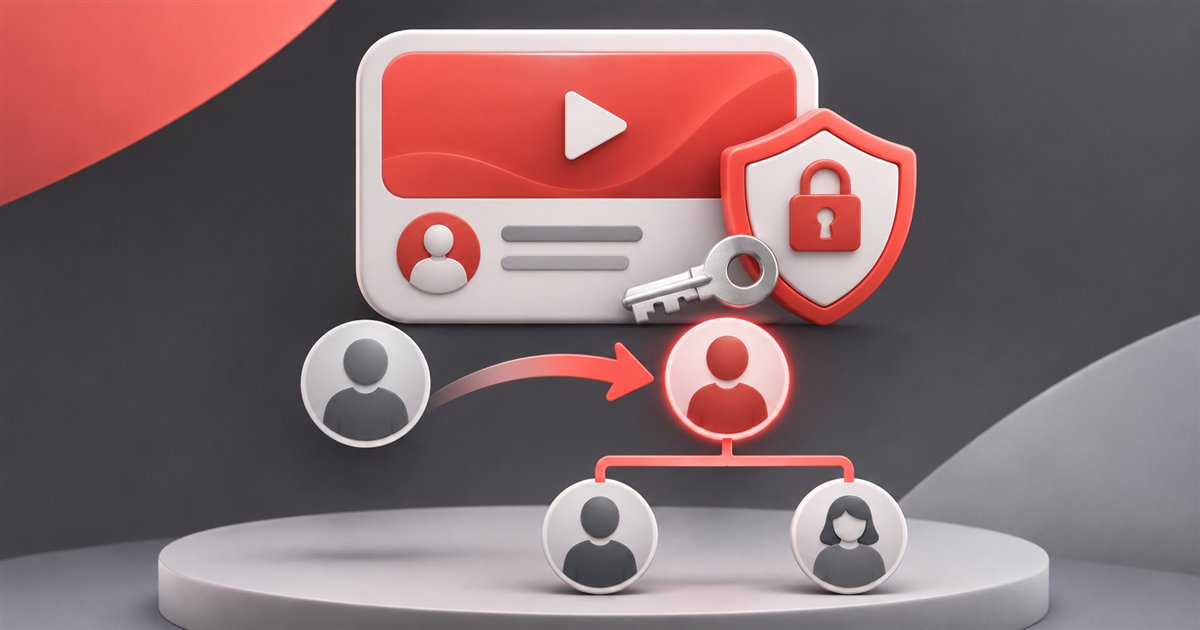
A Brand Account allows several people to manage a brand and its connected YouTube channel from their own Google Accounts. The team does not need to use one shared email address and password. Each person signs in with their own account and receives a defined role.
This matters for two reasons. First, personal Gmail, Drive, photos, and other services are not handed over with the channel. Second, a Brand Account has an ownership structure that can include a primary owner, other owners, and managers.
2. Personal Google Account vs. Brand Account
| Personal Google Account | Brand Account |
|---|---|
| May contain Gmail, Drive, photos, and payment information | Designed to manage a brand and connected services |
| Sharing the password exposes personal data | Users work from their own accounts through roles |
| Changing the person who controls the channel is harder | Supports owners and a primary owner |
| Not suitable for a shared team password | Separates access without shared credentials |
3. How to Check Whether a Channel Uses a Brand Account
The person who already controls the channel should perform this check. In the Google Account, open the Brand Accounts section, select the relevant Brand Account, and review permission management. Confirm the channel itself, not only the name, because one user may have several similarly named Brand Accounts.
Record the following during the review:
- the name and URL of the correct YouTube channel;
- who is listed as the primary owner;
- who holds owner and manager roles;
- whether unknown or former team members still have access;
- whether the current primary owner can add a new owner.
4. Brand Account Roles
Primary owner
This is the central role in a Brand Account ownership structure. The account must have one primary owner. This is the role the buyer or new responsible user should ultimately receive. YouTube also warns that deleting the primary owner's Google Account may delete the connected channel.
Owner
An owner has broad authority and can become the primary owner, but not immediately. Under the current rules, the user must remain an owner for at least seven days.
Manager
A manager can perform some operations but cannot make themselves the primary owner. Inviting a buyer only as a manager therefore does not start the correct ownership transfer process.
Current role definitions and the seven-day requirement are explained in the official YouTube guide.
5. What Are YouTube Studio Permissions?
YouTube Studio uses a separate role system: Owner, Manager, Editor, Editor Limited, Viewer, and Viewer Limited. It is useful for day-to-day teamwork: you can allow someone to upload videos, review analytics, or hide revenue data.
Studio permissions govern working access, while the Brand Account governs core ownership. A detailed comparison is available in the channel permissions guide.
6. Brand Account vs. Studio Permissions
| Task | Brand Account | Studio permissions |
|---|---|---|
| Add a team member without sharing a password | Yes | Yes |
| Give an editor limited access | Limited | Yes |
| Hide revenue data | Limited | Yes |
| Assign a primary owner | Yes | No |
| Transfer the full ownership structure | Yes | No |

7. What to Check Before Inviting a New Owner
- The seller or current responsible user is the primary owner.
- The correct Brand Account and channel have been selected.
- There are no unapproved owners or managers in the list.
- The buyer is using their own secured Google Account.
- Two-step verification is enabled on the buyer's account.
- Both parties have documented the seven-day period and payment stages.
- The initial list of roles has been recorded.
- No one plans to exchange passwords or backup codes.
8. A Safe Transfer Sequence
- The current primary owner shows the role list in real time.
- Both parties record who has access before the process begins.
- The buyer is invited specifically as a Brand Account owner.
- The buyer accepts the invitation from their own Google Account.
- The buyer confirms access to the correct channel.
- Both parties wait the required seven days.
- The buyer is assigned as the primary owner.
- The buyer rechecks Studio, Analytics, monetization, and roles.
- Unneeded legacy access is removed only after verification.
- The relevant payment stage is completed and the result is documented.
9. How the Seven-Day Waiting Period Works
The countdown is based on how long the user has held the owner role, not the date of a verbal agreement or payment. A manager invitation does not substitute for the owner role. Record the date and time the invitation was accepted and the address of the Google Account that was added.
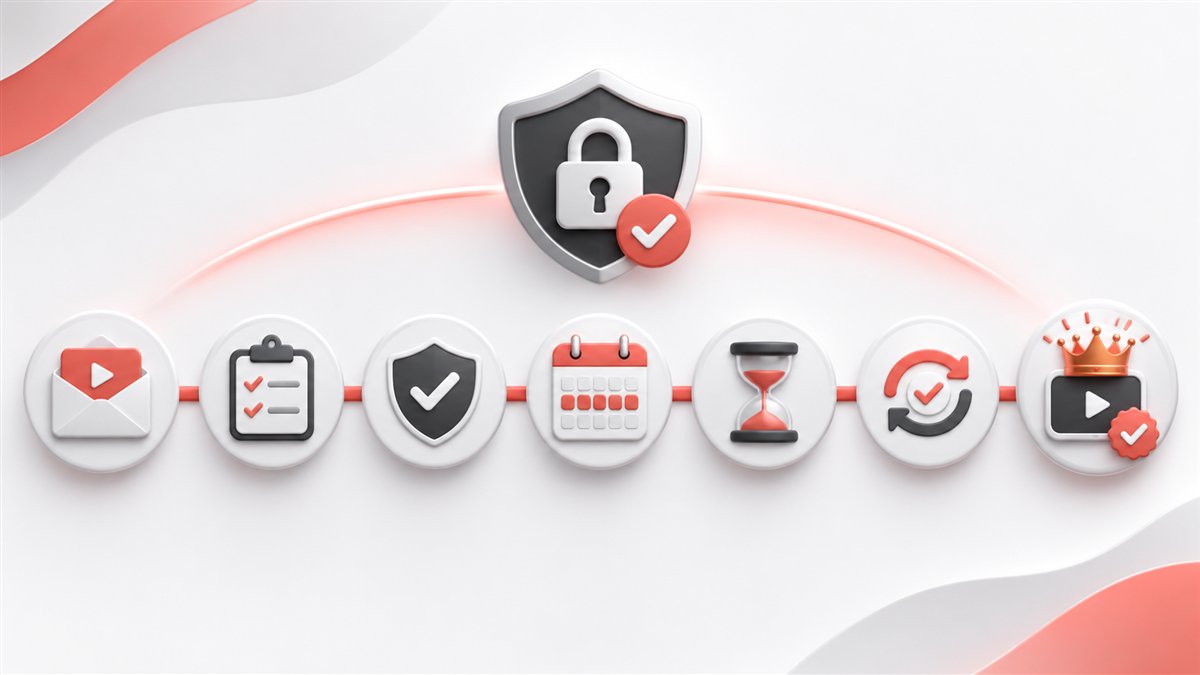
Day 0 — invitation and acceptance of the owner role.
Days 1–7 — waiting and access verification.
After seven days — appointment as primary owner.
After the final review — removal of unnecessary roles.
Do not remove the previous primary owner too early. The channel must always retain a valid ownership structure.
10. Why You Should Never Share the Password
Sharing a password may expose Gmail, Drive, photos, documents, payment information, and other channels. Beyond the privacy breach, it creates uncertainty: the previous owner may retain recovery methods, while the new user may lose access after an automated Google security review.
Official roles provide a clear user list, allow specific access to be revoked, and do not require anyone to disclose two-factor authentication codes.
11. When to Remove the Previous Owner
Remove the previous owner only after the buyer:
- is shown as the primary owner;
- sees the correct channel in their Google Account;
- can open YouTube Studio and Analytics;
- has checked monetization and the user list;
- has saved proof that the transfer was completed;
- has completed the agreed transaction stage.
12. Do Not Confuse Ownership Transfer with Moving a Channel
Assigning a new primary owner and moving a channel between Brand Accounts are different operations. A normal change of control often requires only the correct role changes. Moving the channel is necessary only in specific cases and introduces additional risk.
YouTube warns that a move can accidentally delete a channel already connected to the destination Brand Account. Some data, history, or settings may also be lost. Before taking this action, carefully read the official channel transfer instructions and confirm that a move is genuinely required.
13. Common Mistakes
- Adding the buyer as a manager instead of an owner.
- Counting seven days from payment rather than role acceptance.
- Confusing Studio Owner with Brand Account ownership.
- Working in the wrong Brand Account because the names are similar.
- Removing the previous owner before verification is complete.
- Sharing passwords and two-factor authentication codes.
- Moving the channel between Brand Accounts without a clear need.
- Trying to transfer AdSense ownership together with the channel.
14. Why the Primary Owner Option May Be Unavailable
Common reasons include: the channel is not connected to a Brand Account, the user is a manager, seven days have not passed, the invitation has not been accepted, the wrong Google Account is open, or only YouTube Studio permissions are being used.
Do not remove roles or channels at random. First compare the current access type with the official documentation. If the structure is unusual or the interface differs, contact YouTube support from an account with the appropriate rights.
15. Final Checklist
| Step | Status before completion |
|---|---|
| Correct channel and Brand Account selected | URL and name verified |
| Seller is the primary owner | Confirmed in the role list |
| Buyer added as an owner | Invitation accepted |
| Role acceptance date | Recorded by both parties |
| Seven-day period | Completed |
| Buyer became the primary owner | Confirmed in the Brand Account |
| Studio and Analytics access | Verified |
| Unnecessary roles | Removed after verification |
| Passwords and backup codes | Not shared |
| Transfer completion | Documented in writing |
16. Frequently Asked Questions
Can a channel be transferred without a Brand Account?
For a complete ownership change, the channel must use a structure that supports Brand Account owners. If it is a personal channel, check the latest official process first.
Can the seven-day period be shortened?
No. It is a system restriction that must be included in the transaction schedule.
Can a manager become the primary owner?
Not directly. The user must first receive the owner role and satisfy the waiting-period requirement.
Does the Gmail account need to be transferred?
No. Each party uses their own Google Account, and channel access is granted through roles.
Does the channel need to be moved?
Not always. If the goal is to change the primary owner of an existing Brand Account, moving the channel may be unnecessary and risky.
Can AdSense ownership be transferred?
AdSense account ownership cannot be transferred. The payment account and its connection to the channel must be handled separately under Google's rules.
Conclusion
A safe YouTube channel handover depends on three things: the correct Brand Account, the correct owner role, and completion of the seven-day waiting period. Studio permissions are useful for teams but do not replace a primary owner change. Passwords do not need to be shared, and a channel should be moved between Brand Accounts only when there is a justified reason.
Record the initial roles, follow the process step by step, and remove previous access only after a complete review. This reduces the risk of losing control and gives both parties a clear, verifiable outcome.